Over-Engineering a "Do Not Disturb" Device
I created a custom hardware solution to prevent my parents from walking in on my meetings. Because a locked door is just a suggestion.
I live with my parents and work from home. I have a nice (makeshift) office room but a lot of times my mother asks me if she can come in the room for reasons I won't get into. This is a story of how I made a custom device to let anyone know if I'm busy with a meeting or not, when it ends and a lot more. This ends with me designing a custom binary protocol that has only one user in the world.
Why not just share your calendar?
Cool idea! And I totally tried that. Except:
- The Phone Issue: My mother doesn't always have her phone with her. Half the time she doesn't realize she's getting a call because the phone is buried under three pillows in another room.
- The "Surprise" Meetings: Not everything is on the calendar. Think of all those "Quick Sync" Slack huddles that turn into 45-minute debugging sessions.
- The Human Factor: Sometimes she needs to enter the room. In those cases, I turn my camera off momentarily. I needed a way to convey that specific state, "I'm here, but you can't see me."
- Information Overload: I didn't just want a red light. I wanted to convey when the meeting would be over, how much time is left, and maybe the current stock price of NVIDIA (okay, maybe not that last one).
ESP32 and The Art of Boredom
I had an ESP32 lying around from a previous project which I didn't complete (I call it "iterative abandonment," others call it "laziness"). I was also incredibly bored.
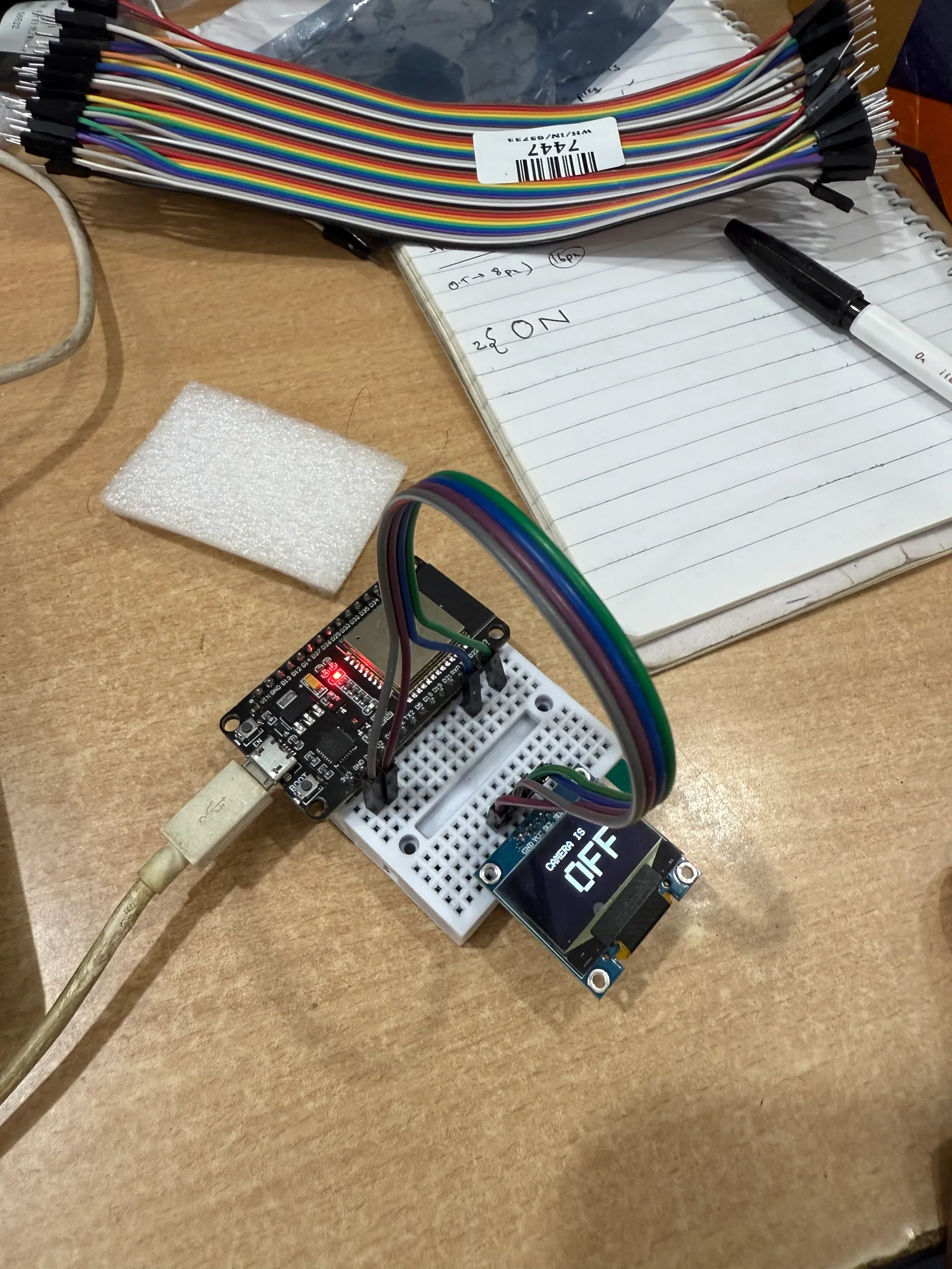
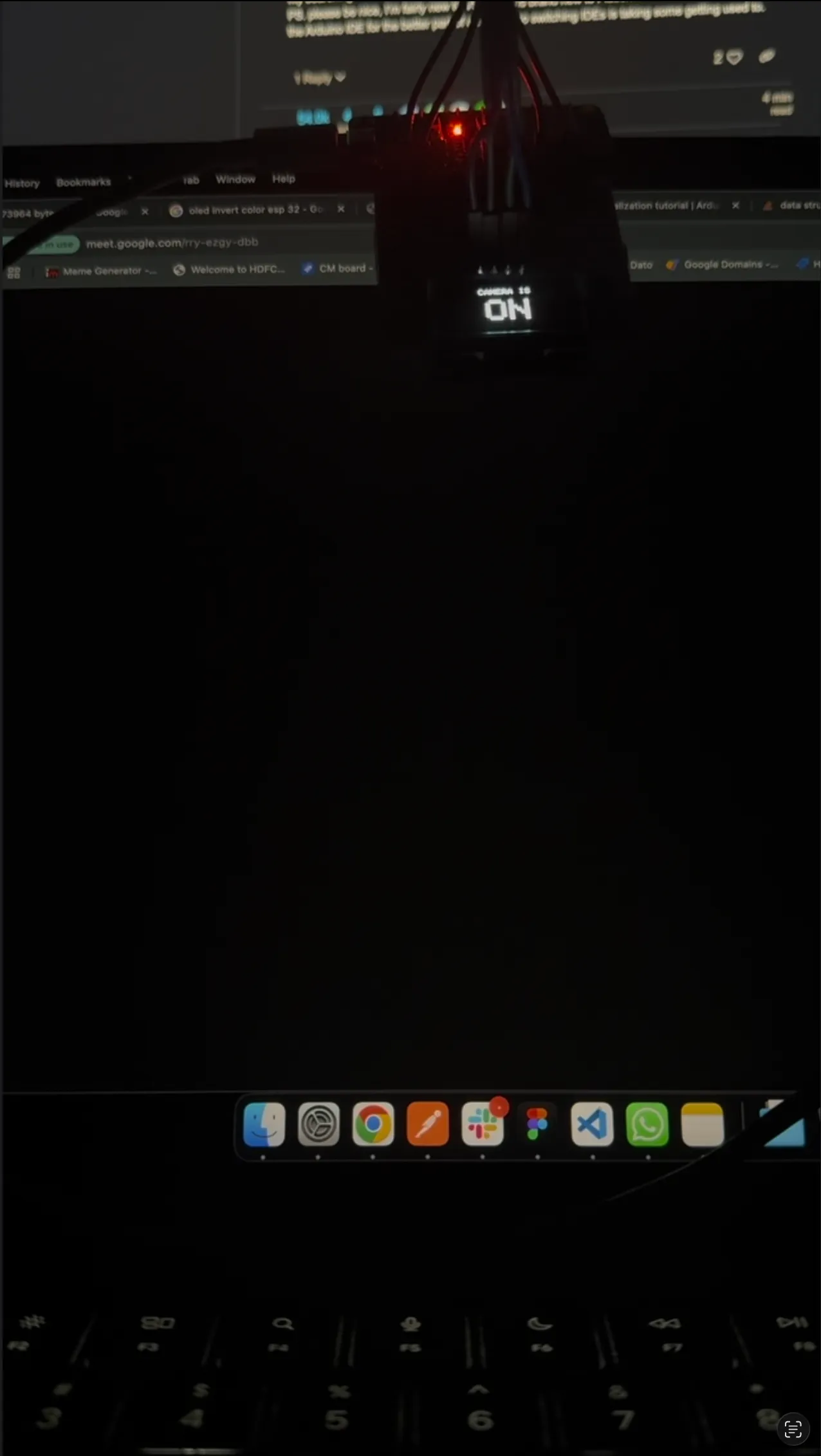
Thinking about what I could do, I came up with a simple idea: Use the ESP32 to show a status on a screen based on whether my MacBook camera is ON or OFF. Sounds simple, right? The ESP connects to home WiFi, runs a check against a server on my MacBook, and boom; privacy.
Apple is... Overprotective
One does not simply get the camera status on a MacBook.
Even though Apple has that green hardware privacy dot, there isn't a native public API or a simple CLI tool to just ask, "Hey, is the camera on?" This is where I hit a wall. To give you context, this was early 2025, and I wasn't fully sold on AI coding tools yet (I was still in my "I can write better code than a bot" phase).
Claude came to the rescue. I managed to hack a solution by monitoring system logs, filtering for AVCaptureSessionDidStartRunningNotification (Camera On) and AVCaptureSessionDidStopRunningNotification (Camera OFF).
The code is a bit of a hack, but it works. It looks something like this:
const CAMERA_ON_EVENT = "AVCaptureSessionDidStartRunningNotification";
const CAMERA_OFF_EVENT = "AVCaptureSessionDidStopRunningNotification";

const COMMAND = `log stream --predicate '(eventMessage CONTAINS "${CAMERA_ON_EVENT}" || eventMessage CONTAINS "${CAMERA_OFF_EVENT}")'`;

const FILTER_ON = "com.apple.cameracapture";

type CameraStatus = "running" | "stopped" | "unknown";

export const createAppleCameraStatus = () => {
  let childProcess: Bun.Subprocess<"ignore", "pipe", "pipe"> | null = null;
  let isRunning = false;
  let cameraStatus: CameraStatus = "unknown";

  return {
    start: async () => {
      // Rawdog the command by spawing a shell
      childProcess = Bun.spawn({
        cmd: ["/bin/sh", "-c", COMMAND],
        stdout: "pipe",
        stderr: "pipe",
      });

      isRunning = true;
      cameraStatus = "unknown";

      console.debug("Starting Apple camera status monitoring...");

      for await (const line of childProcess.stdout) {
        const message = new TextDecoder().decode(line);
        if (!message.includes(FILTER_ON)) continue;

        if (message.includes(CAMERA_ON_EVENT)) {
          cameraStatus = "running";
          console.log("Camera is now running. DO NOT ENTER.");
        } else if (message.includes(CAMERA_OFF_EVENT)) {
          cameraStatus = "stopped";
          console.log("Camera has stopped running. Safe to enter.");
        }
      }
    },
    // ... cleanup code handles
  };
};
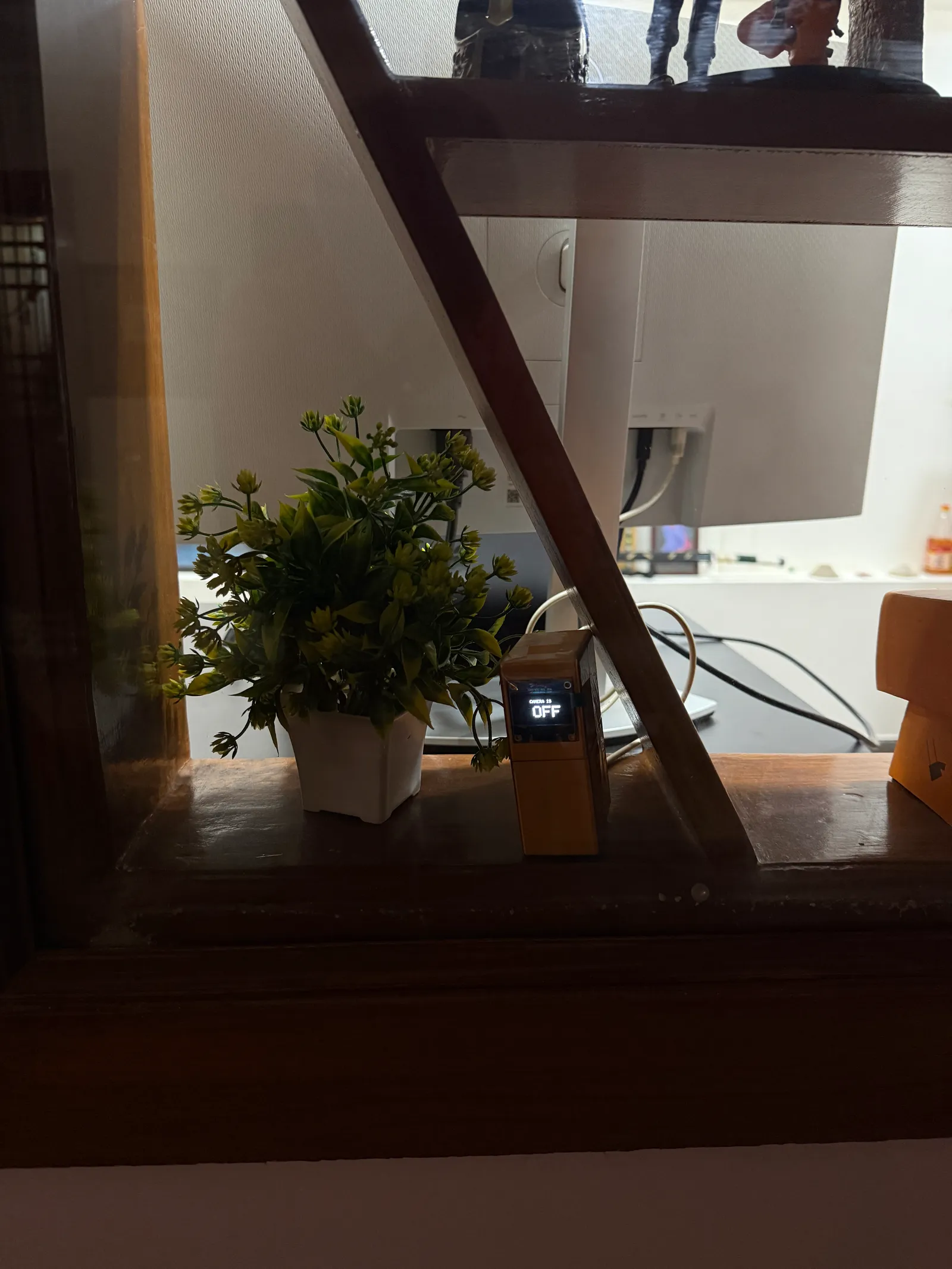
I spun up a simple Bun server, connected the ESP to my laptop's IP, and attached a 1.8-inch OLED display. It worked excellently.
MORE!
As is tradition with my hobby projects, "working" is just the first step towards "unnecessarily complicated." I wanted to F** around and find out what was possible. I had two major problems:
- Dynamic IPs: My router assigns dynamic IP addresses, meaning my server location kept changing. This meant I would need to rebuild the device again n again
- Polling Fatigue: HTTP meant the ESP had to ask "Is the camera on?" every 500ms. This wastes energy and introduces latency. I'm greedy. I wanted real-time updates.
To solve #1, I learned about mDNS. For those who don't know, you can set up "names" for devices on a local network. So http://192.168.0.5:1337 became http://Apoorvs-MacBook-Pro.local:1337. Honestly, typing that in felt like magic.
I was almost ready to call it "Production Ready." But then...
Procrastination via Hardware Design
I lost interest in the code because I realized I couldn't just have an ESP32 and an OLED display dangling by wires taped to my door frame. That doesn't exactly say "Professional Software Engineer."
I needed a case. I needed 3D printing (well maybe not "needed").
No AI to Rescue Me Now
I had never done 3D modeling in my life. In college, I dodged the "Engineering Design" course (the one that made my mechanical engineer friends cry). But this was perfect. After months of using AI for literally everything (love you Claude Code, but I need some space), I finally found a problem an LLM couldn't hallucinate its way out of.
I tried a few "Text-to-3D" tools, but let's just say the technology isn't there yet unless you want a blob that looks like melted cheese. This meant I had to do traditional research. I had to watch YouTube tutorials. I had to learn a UI from scratch. God, I missed this workflow.
I spent a week watching Fusion 360 tutorials, learning about sketches, extrusions, and chamfering (learned the hard way that "chaffing" is a very different thing).
I even ordered digital calipers to measure everything with mm-level accuracy (or is it precision? I never know). I felt like a kid in college again, but with better funding.
Tolerances: The Reality Check
Coming from software, I'm used to 1 + 1 always equaling 2 (unless it's JavaScript, then it's 11). But in the physical world, things are... squishy.
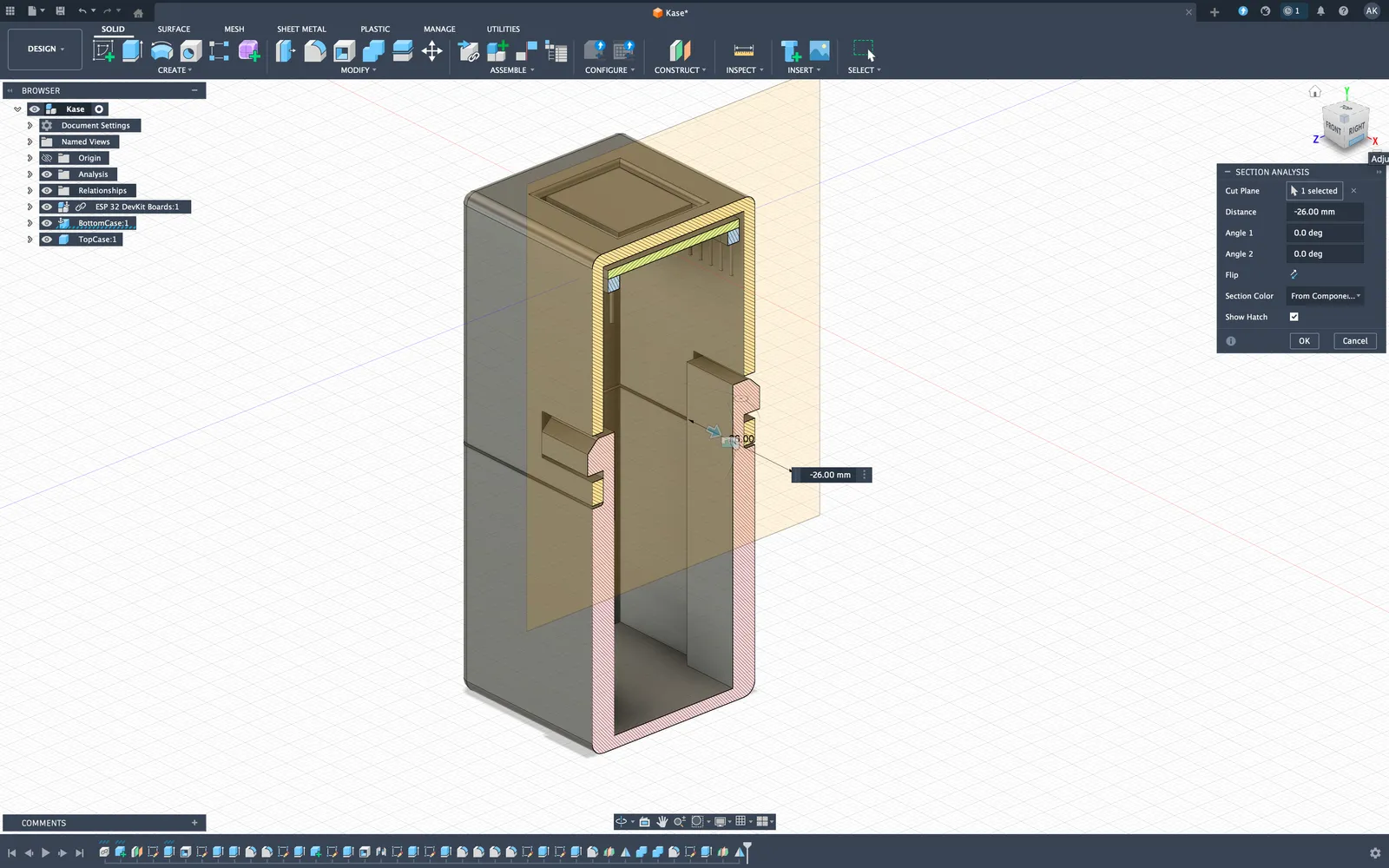
3D printing happens layer-by-layer. Nozzles have sizes. Filaments shrink. Nothing is exactly the same as the CAD file.
Since this was my first print, I wasn't confident. I didn't fully understand snap-fits or cantilever designs, so I added "tolerance gaps." I thought, "What's the worst that could happen?"
Well, my gap was too big. My "snap fit" was more of a "loose rattle." On the other hand, the cutout for the ESP32 was so perfect it made a satisfying click sound.
The case didn't stay closed on its own. But you know what? Nothing a bit of transparent tape can't solve. Good enough for v1.
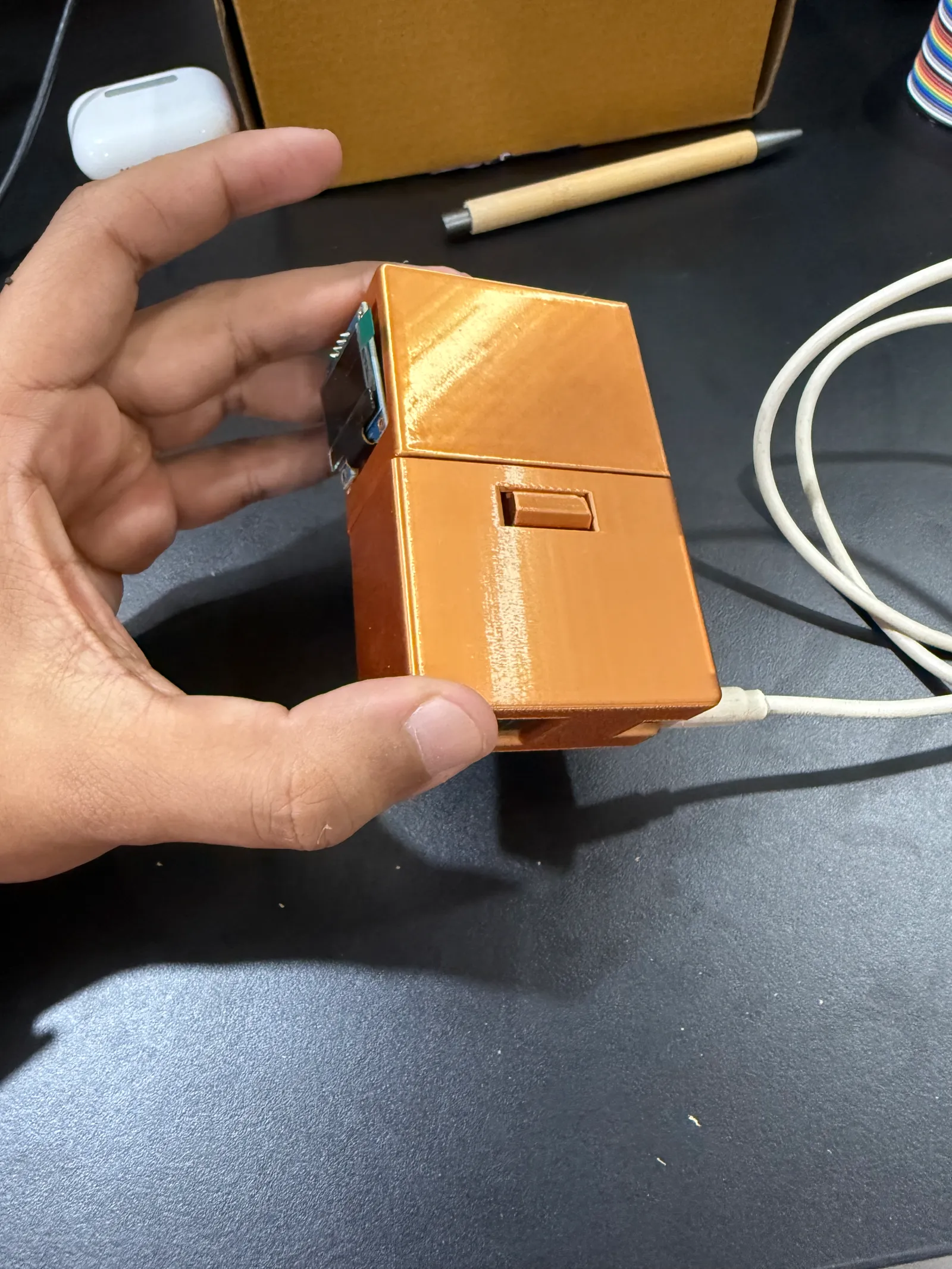
Peak Over-Engineering
Now that I had tasted the power of hardware, I wanted to make it robust. "Corporate Ready." This is the part where the project went off the rails in the best way possible.
1. BLE (Bluetooth Low Energy)
HTTP is boring (this is coming from a web developer). I switched to BLE. This allows the server (Mac) to push updates to the peripheral (ESP32) instantly. No more polling! Plus, I can theoretically track if I'm in the room based on signal strength (I don't need this, but I wanted it).
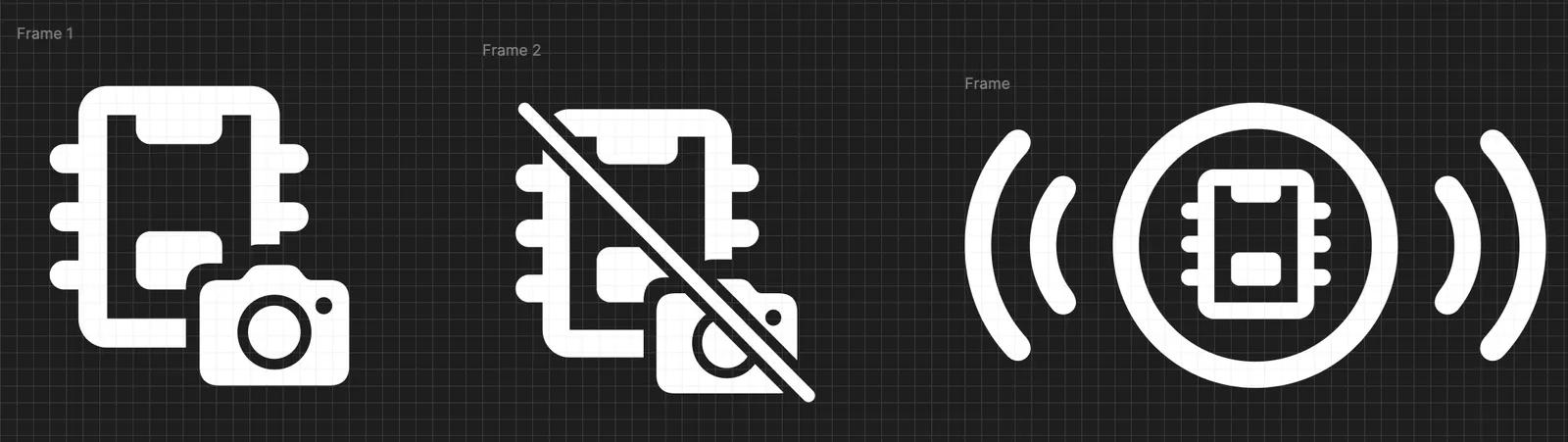
2. Custom Tray Icons
I took inspiration from Apple's SF Symbols and designed custom icons for the Mac menu bar. I even added a little wave animation for when the device is "connecting." Did I need to spend an hour making it look native to macOS? Yes. Do I regret it? Absolutely not.
3. A Custom Byte Protocol
Why send a heavy JSON object like {"status": "on"} when you can send a single byte?
I designed a custom binary protocol. I even wrote a little RFC for it. I asked Claude to help me handle edge cases for a protocol that exactly one person uses. This is the textbook definition of over-engineering, and I love it.
Here is a sneak peek of the DoorFrame Protocol (v1):
Handshake (Host → Peripheral)
0xDF 0x01
0xDF: DoorFrame magic byte (Get it? DF?)0x01: Version 1
Custom Commands
- Camera Status:
0xC0(OFF) and0xC1(ON). Why0xC? Coz Camera. - Time Exchange: I packed the time into bytes because I refuse to use strings.
- Hours Byte (
0x7H):0x79= 9:XX AM/PM - Minutes Byte (
0x8M):0x86= XX:30, minutes are represented by 5min offsets
You can read the full protocol documentation here
End Notes
I had a ton of fun and I learned a lot. The device is now "deployed" to production (my door frame) and works great. I power it using my external monitor's USB port, so as soon as I unplug my laptop to leave the room, the device shuts off automatically.
I'm not looking to add more features right now, but I am open to ideas on how to over-engineer this further. Maybe facial recognition? A siren? The possibilities are endless.